Dembrandt
Design tokens from any live site: colors, type, spacing, DTCG, Tailwind, drift checks.
At a glance
Not tested yet- GitHub stars
- 4,045
- Weekly downloads
- 15,898
- Last commit
- 2026-11-19
- Licence
- MIT
- Transport
- stdio
- Auth
- api-key
npx -y dembrandt
What it does
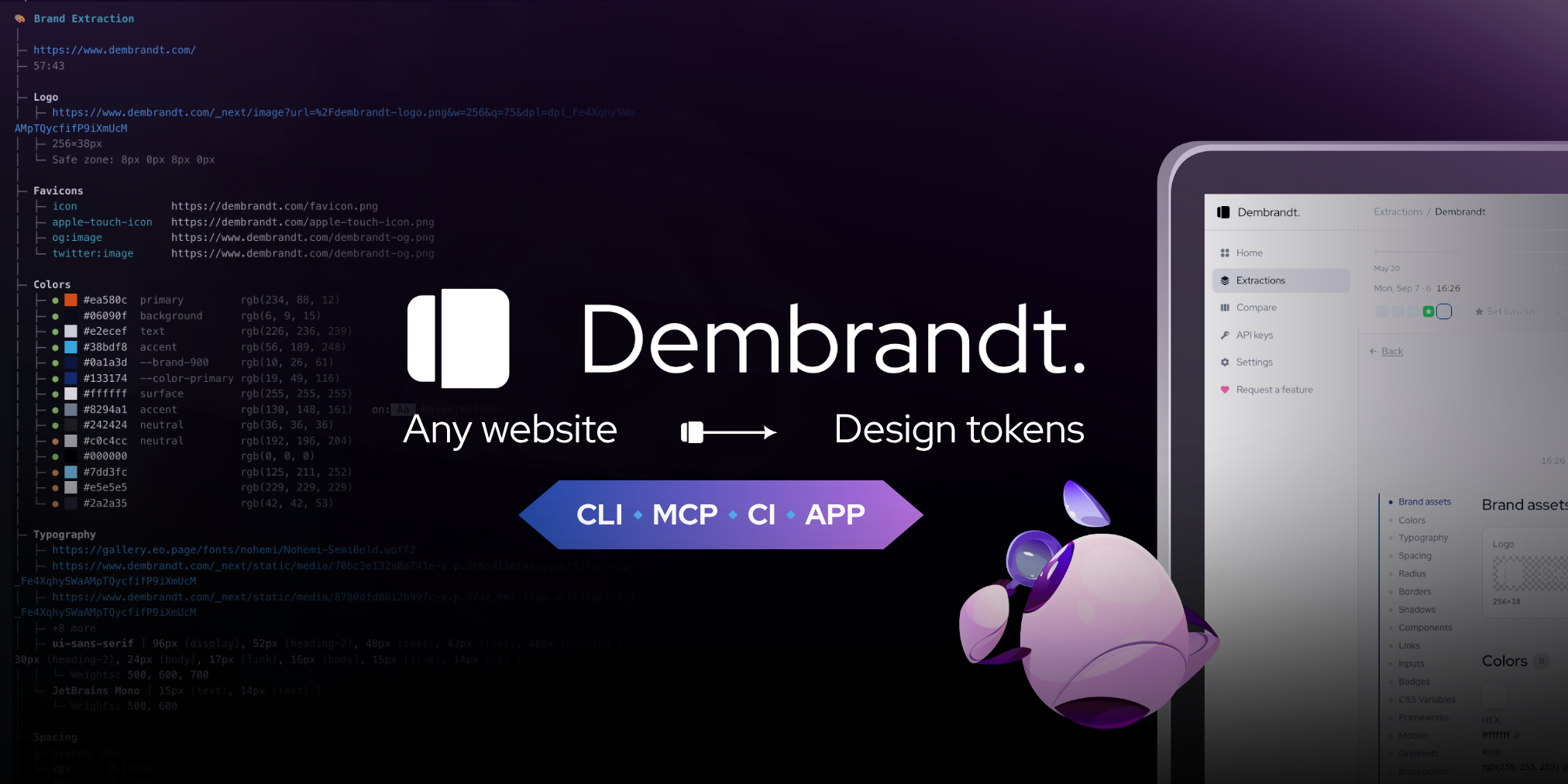
Dembrandt is an MCP server that extracts a website's design system and returns it as design tokens. It renders a page with Playwright, reads computed styles from the DOM, and reports colors, typography, spacing, borders, shadows, motion and components. It is for designers and developers who want an existing site's design values in a usable form, or want an agent to fetch them.
Tools it gives your agent
get_design_tokens: extracts design tokens from a URL.get_color_palette: returns the color palette.get_typography: returns typography details.get_component_styles: returns component styles.get_surfaces: returns surface styles.get_spacing: returns spacing scales.get_brand_identity: returns brand identity details.compute_drift,get_findings,export_dtcg,generate_design_md,render_report: pure analysis tools.- Job-control tools, including
get_job_statusfor polling an extraction'sjob_id.
Quick start
Run the browser install step once before extracting. Skipping it fails with browser engine not available.
npx dembrandt install-browser
Add the server to Claude Code:
claude mcp add --transport stdio dembrandt -- npx -y dembrandt mcp
Extraction tools return a job_id. Poll it with get_job_status, then pass the same id to the pure tools.
Add this to .mcp.json in your project root (Claude Code) or .cursor/mcp.json (Cursor):
{
  "mcpServers": {
    "dembrandt": {
      "command": "npx",
      "args": [
        "-y",
        "dembrandt"
      ],
      "env": {
        "DEMBRANDT_KEY": "YOUR_DEMBRANDT_KEY",
        "BROWSER_CDP_ENDPOINT": "YOUR_BROWSER_CDP_ENDPOINT"
      }
    }
  }
}
Replace each YOUR_ value with your own, and delete the variables you do not use.
Environment variables
DEMBRANDT_KEY: the sources do not explain this variable.BROWSER_CDP_ENDPOINT: the sources do not explain this variable.
Example prompts
- Extract the color palette from dembrandt.com.
- Get the design tokens for example.com across 5 pages.
- Show me the contrast and consistency findings for that extraction.
- Export the extracted tokens as W3C design tokens.
What to watch out for
- Dark mode requires the
--dark-modeflag and is not automatically detected. - Hover and focus states come from real interaction on a sample of elements. States that need a pointer path or a timer are missed.
- Canvas and WebGL rendered sites cannot be analyzed because there is no DOM to read.
- JavaScript-heavy sites need hydration time: 8s initial plus 4s stabilization. Some dynamically loaded content may be missed.
- The default viewport is 1920x1080. Use
--mobilefor a 390x844 mobile viewport. - Only run it against sites whose Terms of Service permit automated access, or against your own properties. Do not use extracted material to reproduce third-party brand identities, logos or trademarks. Respect robots.txt, rate limits and copyright.
- The
--stealthflag is for authorized use only.
Not tested by tools4agents yet. Read the source repository before you install it.

Similar tools
Blender MCP Server
Connects Blender to AI coding assistants via MCP for prompt-assisted 3D modeling, material creation, and scene inspection.
Pascal 3D Editor
Create, inspect, validate, and save editable 3D building scenes with Pascal's MCP server.
Figma Context MCP Server
Gives coding agents direct access to Figma component structures, tokens, and layouts for accurate UI implementation.
Unity MCP Server
Connects Unity Editor to AI coding agents to control scene hierarchies, edit scripts, inspect game objects, and manage assets.