 How to
Pascal 3D Editor
Connect Pascal 3D Editor to Claude Code with MCP
- 25,651
- GitHub stars
- 6,401
- Weekly downloads
- 2026-11-18
- Last commit
Set up Pascal's local MCP server so Claude Code can inspect, edit, validate, and save 3D building scenes on your machine.
You have a building model to work on, and you want your coding agent to help with it. Reading a scene, changing a wall, checking the result, and saving it are all things an agent could do if it had a way to reach the editor. Pascal Editor answers that with a Model Context Protocol server, and the README gives a short path to wire it into Claude Code.
What it is
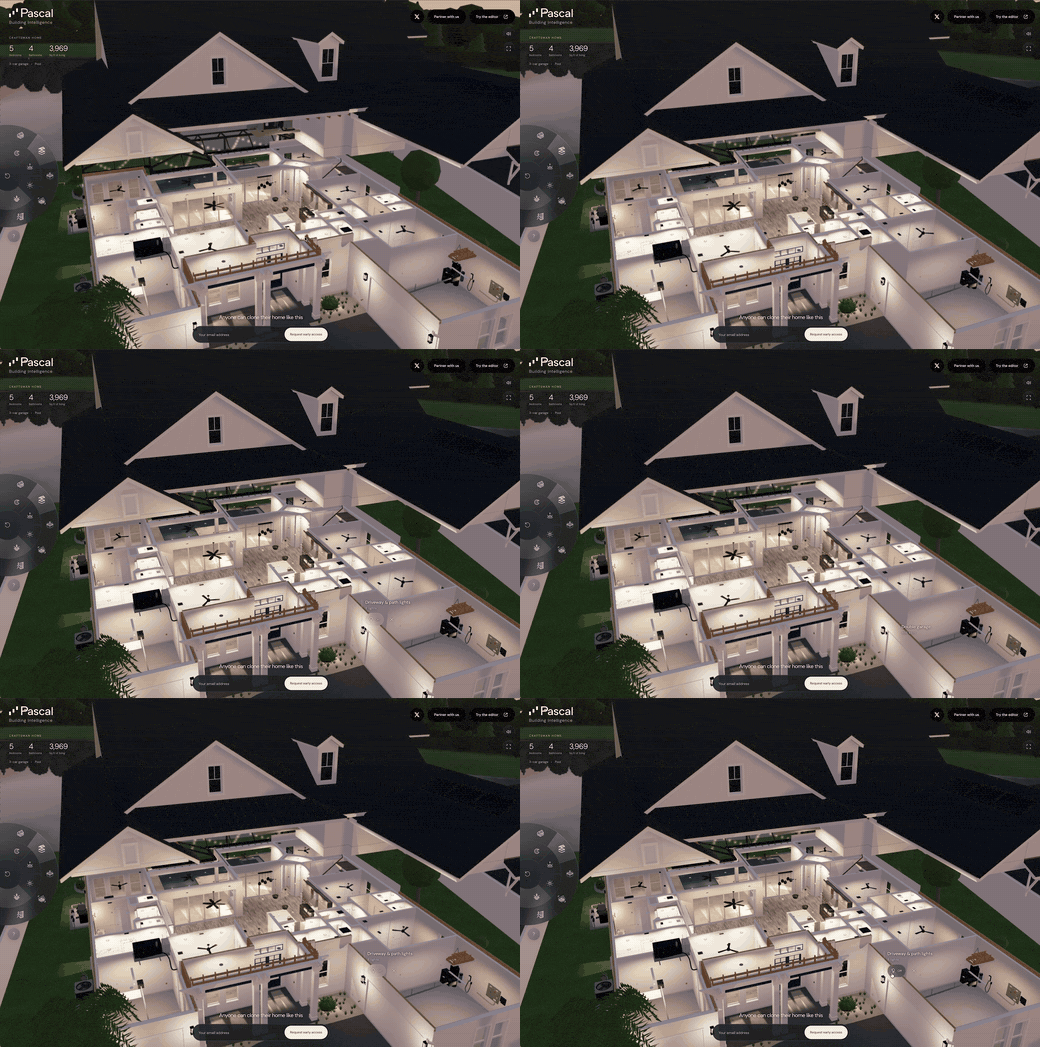
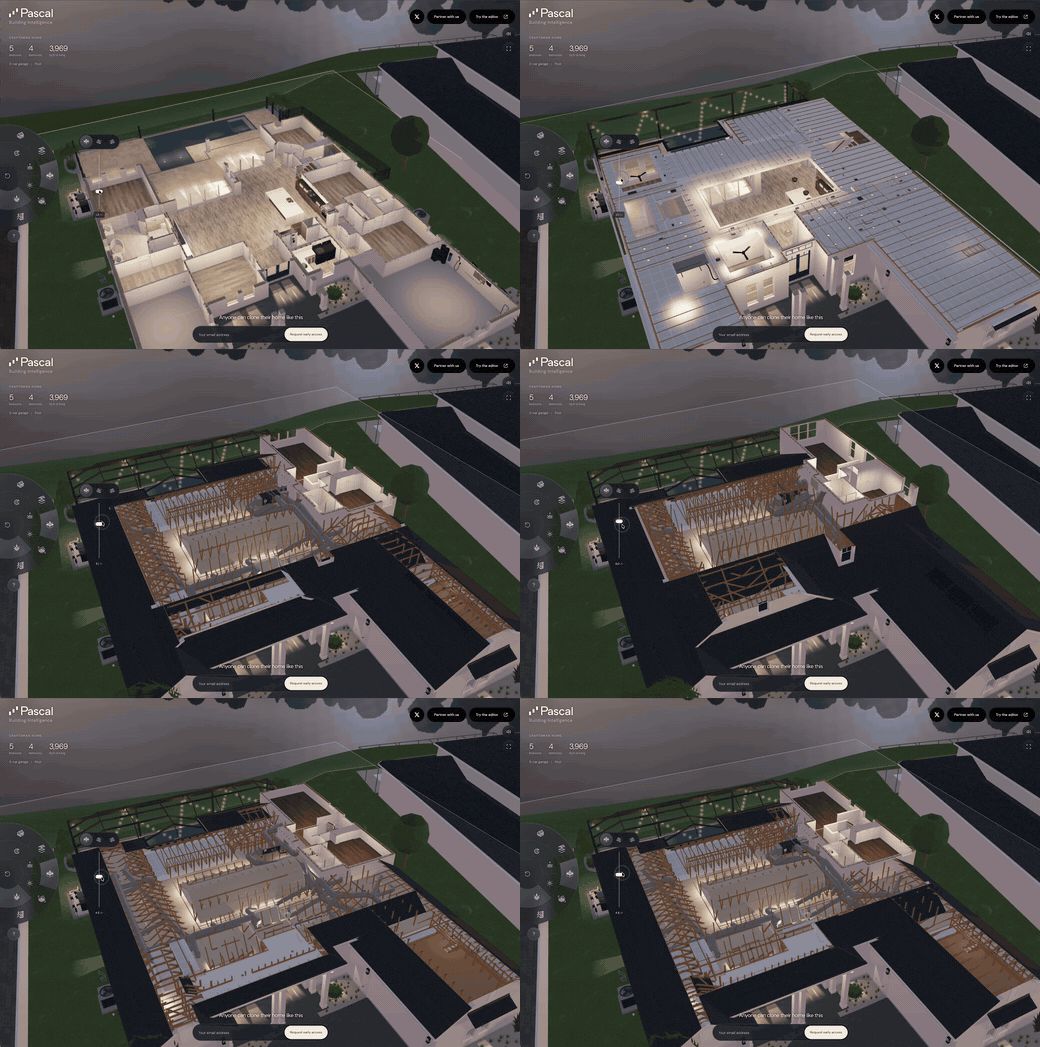
Pascal Editor is a local-first, MIT-licensed building editor for architecture, engineering, construction, and operations work. You model sites, buildings, levels, walls, slabs, roofs, openings, rooms, and furniture. You can bring 3D scans in as reference layers for scan-to-BIM workflows and model editable building elements over them. It is built with React Three Fiber and WebGPU.
The part that matters for an agent is the MCP server. MCP is an open protocol that lets AI assistants call tools in other applications. Pascal's MCP server gives an agent tools to inspect, edit, validate, and save building scenes. The same scenes you see in the editor are the ones the agent can read and change.
There are two places the projects can live. The local option runs the Pascal CLI as an MCP service on your machine. Agents connect with pascal mcp connect, projects stay in ~/.pascal/data/pascal.db, and nothing is uploaded. No Pascal account or API key is needed. The hosted option is https://editor.pascal.app/api/mcp, which works in your Pascal account or organization and needs that account's authorization.
This guide covers the local route with Claude Code, because it is the one the README spells out with a single setup command.
| Name | GitHub stars |
|---|---|
| Pascal 3D Editor | 25,651 |
| Blender MCP Server | 35,030 |
| Dembrandt | 4,045 |
| Atris | 71 |
| Name | downloads a week |
|---|---|
| Pascal 3D Editor | 6,401 |
| Blender MCP Server | 1,186,373 |
| Dembrandt | 15,898 |
| Atris | 7,514 |
Why it matters
The README makes a few claims about what this setup gives you.
It keeps your work on your machine. The local CLI keeps projects on your machine, and its MCP service needs no network download. Starting the editor downloads its web runtime once per version. If your host has no network access, you can pass --runtime <directory-or-archive>.
It removes account friction. The local route needs no Pascal account and no API key. Nothing is uploaded.
It shares one scene between you and the agent. The agent reads, edits, validates, and saves the same scenes you work in, rather than working from an export.
It is open source. The editor, packages, CLI, and MCP server in the repository are MIT-licensed. Hosted services at editor.pascal.app are separate from the open-source release and have their own account terms.
Step by step
- Check your Node.js version.The local commands need the
pascalcommand on yourPATH, and the README lists Node.js 22.23.4+ on 22.x, 24.22.1+ on 24.x, or 26.12.1+.
- Install the Pascal CLI globally so the
pascalcommand is available.
npm install --global @pascal-app/cli
- Register the local server with Claude Code.The README says this runs
claude mcp add --scope user pascal -- pascal mcp connect.
pascal mcp setup claude
- Decide whether you want the plugin instead.The plugin bundles the skills, the local
pascalserver, and a hostedpascal-hostedserver that prompts for an optional Pascal API key and stores it in the OS keychain. Leave the key empty to stay local-only.
/plugin marketplace add pascalorg/editor
/plugin install pascal-agent-skills@pascal
- Use one or the other, not both.Claude Code 2.1.258 loads both the user-scoped
pascalserver created bypascal mcp setup claudeand the plugin-provided server. If you go with the plugin, remove the manual entry before reloading or restarting Claude Code so only the plugin owns the connection lifecycle.
claude mcp remove --scope user pascal
- Clear any other Pascal connections.Use
/mcpto remove or disable any project- or local-scoped Pascal connection too. The README states that leaving both connections active violates the one-active-agent-client-per-local-service requirement.
- Start the editor locally if you want the browser editor alongside the agent.The CLI starts the editor and an authenticated MCP service in the background, selects collision-free loopback ports, and keeps projects in
~/.pascal/data/pascal.db.
npx @pascal-app/cli editor
- Check the connection.The connector discovers the local service's port and private token itself. You can check it with
pascal mcp statusorpascal doctor.
pascal mcp status
- If you only want the agent skills without the plugin, install them with skills.sh.The README says
pascal-3dcovers safe local or hosted MCP setup and verified scene work, andfurniture-fitproduces a bounded, evidence-based footprint assessment.
npx skills add pascalorg/editor \
  --skill pascal-3d \
  --skill furniture-fit
- Keep concurrent work separate.The standalone local HTTP runtime shares active scene state between clients. If you need independent concurrent work, use separate
PASCAL_HOMEdirectories and service processes. The hosted endpoint uses a separate session-isolated bridge.
A worked example
Say you are doing scan-to-BIM work. You have a 3D scan of a building and you want editable building elements modeled over it. You have installed the CLI, run pascal mcp setup claude, and started the editor with npx @pascal-app/cli editor. Claude Code now has the pascal server registered at user scope.
You open Claude Code and ask it to look at the current scene and tell you what is in it. The agent calls the Pascal MCP tools to inspect the scene. The README describes the server as giving an agent tools to inspect, edit, validate, and save building scenes, so inspection is the first thing it can do.
Next you ask it to add a level and a set of walls over the scan reference layer. The agent uses the edit tools. Because the scan is a reference layer, the elements you model over it stay editable building elements rather than frozen geometry.
Then you ask it to check the result. The agent uses the validate tools. You can look at the same scene in the browser editor, because the agent and the editor work on the same scenes.
Finally you ask it to save. The agent uses the save tools, and the project stays in ~/.pascal/data/pascal.db on your machine. Nothing is uploaded, and no Pascal account was involved.
If you had chosen the hosted route instead, the same kind of work would run against https://editor.pascal.app/api/mcp in your Pascal account or organization. That route needs the account's authorization, and some hosted operations, such as Architect runs, consume Pascal credits.
How it compares
Blender MCP Server also connects a 3D tool to AI coding assistants over MCP, for prompt-assisted 3D modeling, material creation, and scene inspection. It is the better fit when your work is general 3D modeling and materials rather than building elements like walls, slabs, roofs, and rooms. Pascal is the better fit when the scene is a building and you want an agent to work with architecture, engineering, construction, or operations elements.
Atris runs Atris campaigns from any agent and extracts, checks, or searches brand design systems. It is the better fit when your task is brand and design system work rather than a 3D building scene. Pascal is the better fit when the thing you want the agent to read and change is a building model.
Dembrandt pulls design tokens from a live site: colors, type, spacing, DTCG, Tailwind, and drift checks. It is the better fit when you need design tokens from a website. Pascal is the better fit when you need an agent to inspect, edit, validate, and save a 3D scene.
Pitfalls
The local route needs the pascal command on your PATH, which means a global install and a Node.js version in the ranges the README lists.
The one-active-agent-client rule is a real constraint. The standalone local HTTP runtime shares active scene state between clients. If you need independent concurrent work, you must use separate PASCAL_HOME directories and service processes.
If you install the Claude Code plugin, remove the manual pascal server entry first. Claude Code 2.1.258 loads both, and the README says to remove the manual entry before reloading or restarting so only the plugin owns the connection lifecycle.
The hosted route is different. It needs the account's authorization. How a client authenticates depends on the client: the Cursor plugin uses browser sign-in, while Claude Code, Codex, and other clients send an API key created in Pascal Settings. Some hosted operations, such as Architect runs, consume Pascal credits.
The hosted services at editor.pascal.app are separate from the open-source release and have their own account terms.
Starting the editor downloads its web runtime once per version. On a host without network access you need to pass --runtime <directory-or-archive>.
OpenClaw installation becomes available only after the skills are published under Pascal's ClawHub publisher, so that channel is not ready yet.
FAQ
Does it need an API key?
No, not for the local route. The README says the local option needs no Pascal account or API key, and nothing is uploaded. The hosted workspace at https://editor.pascal.app/api/mcp needs that account's authorization, which for Claude Code means an API key created in Pascal Settings.
Does it work offline?
The local CLI keeps projects on your machine, and its MCP service needs no network download. Starting the editor downloads its web runtime once per version. For a host without network access, pass --runtime <directory-or-archive>.
What does the agent actually get to do?
The MCP server gives an agent tools to inspect, edit, validate, and save building scenes. The README describes the same scenes being available to the agent and the editor.
Can I use it with something other than Claude Code?
Yes. The README covers Cursor, Codex, and other MCP clients. For other clients you can print the generic configuration with pascal mcp config, and the connector discovers the local service's port and private token itself.
Is it free?
The editor, packages, CLI, and MCP server in the repository are MIT-licensed. Hosted services at editor.pascal.app are separate from the open-source release and have their own account terms.
Verdict
Use this setup if you do architecture, engineering, construction, or operations work and you want a coding agent to read, edit, validate, and save the same building scenes you work in, without uploading anything or creating an account. It suits people who already run Claude Code and are comfortable with a global npm install and a Node.js version check.
Skip it if you need several agents hitting the same local service at once, since the README requires one active agent client per local CLI service and points you to separate PASCAL_HOME directories for independent work. Skip it too if your 3D work is general modeling rather than buildings, where a tool like Blender MCP Server is the closer match. And if you want a managed workspace with account features, look at the hosted route and its credits and authorization requirements instead of the local one.