Argon
MongoDB sandboxes for AI agents, Git for MongoDB underneath: branch, diff, merge, undo over MCP.
At a glance
Not tested yet- GitHub stars
- 179
- Weekly downloads
- 2,905
- Last commit
- 2026-11-19
- Licence
- MIT
- Transport
- stdio
- Auth
- none
npx -y argonctl
What it does
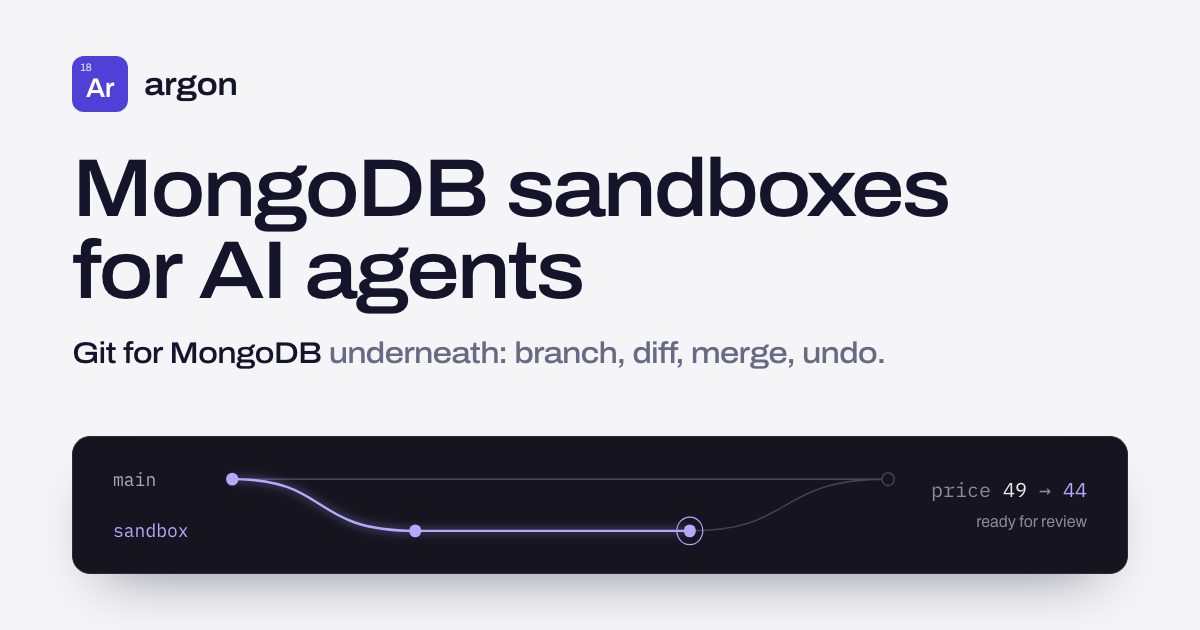
Argon gives each AI agent run its own MongoDB database, forked from your data. An agent connects to the sandbox with any MongoDB driver, and the writes it makes are captured as a diff. You can then review the diff, merge it as a data pull request, or discard it. Underneath, it works like Git for MongoDB: branch, diff, merge, time travel and undo. It is for people who want agents to work against real MongoDB data without touching the source until they approve the changes.
Tools it gives your agent
The MCP server exposes 13 tools covering sandbox, diff, merge, undo and pins. The sources name only one tool directly:
argon_merge_apply: applies a merge plan. You can withhold it withargon mcp --disable-tools argon_merge_applyto keep a person in the loop.
Quick start
brew install argon-lab/tap/argonctl
npm install -g argonctl --allow-scripts=argonctl
docker run -d --name argon-mongo -p 127.0.0.1:27017:27017 mongo:7 --replSet rs0
docker exec argon-mongo mongosh --quiet --eval 'rs.initiate({_id:"rs0",members:[{_id:0,host:"localhost:27017"}]})'
argon doctor
argon import database --uri mongodb://localhost:27017 --database myapp --project myapp --source-quiesced
argon sandbox create -p myapp --ttl 1h --watch --actor agent:run-1
argon diff          -p myapp -b <sandbox>
argon merge preview -p myapp -b <sandbox>
argon merge apply <plan-id>
argon sandbox discard -p myapp -b <sandbox>
claude mcp add argon -- argon mcp
MongoDB must run as a replica set; a one-node set is fine. For npm, use Node.js 24 LTS with npm 11.16 or newer. Point the agent at the connection string the sandbox prints.
Add it to Claude Code from a terminal:
claude mcp add argon -- npx -y argonctl
Or add this to .mcp.json in your project root (Claude Code) or .cursor/mcp.json (Cursor):
{
  "mcpServers": {
    "argon": {
      "command": "npx",
      "args": [
        "-y",
        "argonctl"
      ]
    }
  }
}
Environment variables
ARGON_SOURCE_URI: the source database URI, read per command and never stored.ARGON_EXPERIMENTAL_SOURCE: set to1to enable the experimental options--auto-resyncand--enable-source-images.
Example prompts
- Create a sandbox from my project
myappwith a one hour TTL and give me its connection string. - Show me the diff of what the agent changed in this sandbox.
- Preview a merge plan for this sandbox so I can review it before applying.
- Discard this sandbox and throw away the run's changes.
What to watch out for
- MongoDB must run as a replica set.
- Write-back tests have not covered Atlas, deployments with access control, multi-member elections, sharded sources, or MongoDB versions other than 7.0.
- Write-back and
--enable-source-imagesrequire importing with a user allowed to runreplSetGetConfig, such as one with theclusterMonitorrole. - The MCP server and REST API do not offer write-back.
- Each project can run one follower or resync at a time.
- Pins protect captured document state while they exist; keep independent backups.
saver.merge()previews and applies immediately; use separate calls when approval is required.
Not tested by tools4agents yet. Read the source repository before you install it.

Similar tools
Memory
A knowledge graph that persists facts across sessions, so an agent can recall context after the conversation ends.
DBHub
Token-efficient MCP server for PostgreSQL, MySQL, MariaDB, SQL Server, Oracle, ClickHouse, SQLite
PostgreSQL
Read only SQL access with schema introspection, so an agent can answer questions about your data without guessing column names.
Supabase MCP Server
Connects AI assistants directly to Supabase projects to manage database tables, query data, run migrations, and control edge functions.