Wingbox
Local code graph: what a change breaks, who uses a symbol, architecture layers. No model.
At a glance
Not tested yet- GitHub stars
- 23
- Weekly downloads
- 2,965
- Last commit
- 2026-11-19
- Licence
- MIT
- Transport
- stdio
- Auth
- none
uvx wingbox
What it does
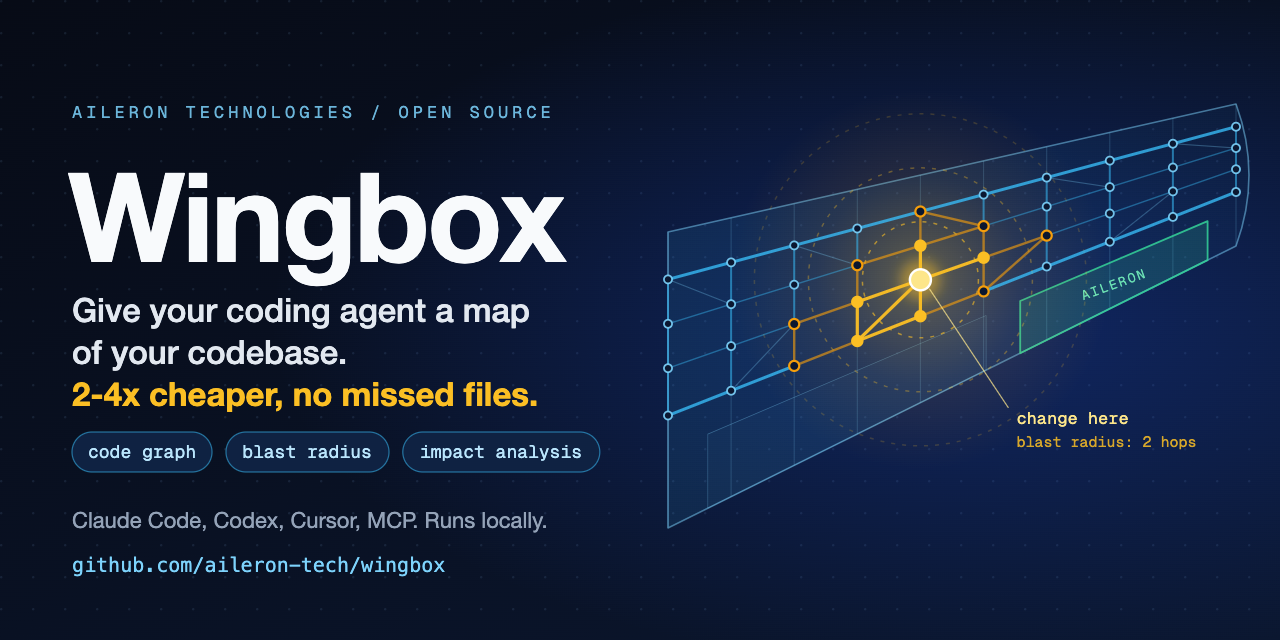
Wingbox builds a local code graph of a repository by static parsing, with no model. It lets AI coding agents and developers see dependencies, call flows, architecture boundaries and the blast radius of a change before editing code. It works as an agent skill in Claude Code, Codex, Gemini CLI, Cursor and GitHub Copilot, as an MCP server for any MCP client, and from the command line. It is for developers and coding agents working on large codebases.
Key features
- Builds a code graph of modules, entities, imports, references, call relationships, architecture layers and infrastructure connections.
- Computes blast radius: everything that depends directly or transitively on the code you are about to edit.
- Answers questions about where a feature is implemented, which modules depend on a service, and what could break if a file changes.
- Writes the graph to
.wingbox/index.sexpas plain S-expression facts, plusREPORT.mdandmap.html. - Runs fully locally with no network access, no model, no account, no key and no telemetry.
- Supports Python, TypeScript, TSX, Rust, C#, Java, Go, Ruby, Rails, PHP, Laravel, Blade, Livewire, Dart, Flutter, Free Pascal and Lazarus.
- Keeps the graph fresh: in Claude Code a hook marks edited files and the next search patches only those files.
Quick start
pipx install wingbox && wingbox install
wingbox build .
wingbox impact path/to/file
Add it to Claude Code from a terminal:
claude mcp add wingbox -- uvx wingbox
Or add this to .mcp.json in your project root (Claude Code) or .cursor/mcp.json (Cursor):
{
  "mcpServers": {
    "wingbox": {
      "command": "uvx",
      "args": [
        "wingbox"
      ]
    }
  }
}
Environment variables
The registry entry declares no environment variables.
Example prompts
- Where is authentication implemented in this repository?
- Which modules depend on this service, and what could break if I change this file?
- Which two or three files should I read before fixing a bug here?
- Does this dependency cross an architecture boundary?
What to watch out for
- Building and querying the graph open no network connection; the one command that reaches the network is
wingbox update, which runs your package installer. - Wingbox reads code but never runs it, the tests or the build.
- The
--lspoption, off by default, starts a language server that is installed on the machine. - Results stay in the repository's
.wingbox/folder;wingbox installwrites your own settings in your home folder. - The click-install options for Claude Desktop and the Codex app start Wingbox with uv, which has to be on the machine.
Not tested by tools4agents yet. Read the source repository before you install it.

Similar tools
Everything
The official test server. Exercises every part of the protocol, so it is the fastest way to check your setup works at all.
Filesystem
Gives an agent scoped read and write access to directories you name explicitly. The usual first MCP server people install.
Git
Read, search, and manipulate local Git repositories. Lets an agent inspect history and diffs without shelling out.
Sequential Thinking
Gives a model a scratchpad for multi step reasoning, letting it revise earlier steps instead of committing to a first answer.